Plugin Marketplace
Sign in

Pushover Notifications

TrustedccmpbllNo votesgithub.com/ccmpbll/pushover-notifications
  • Pushover Notifications, image 1
  • Pushover Notifications, image 2
  • Pushover Notifications, image 3
  • Pushover Notifications, image 4
  • Pushover Notifications, image 5

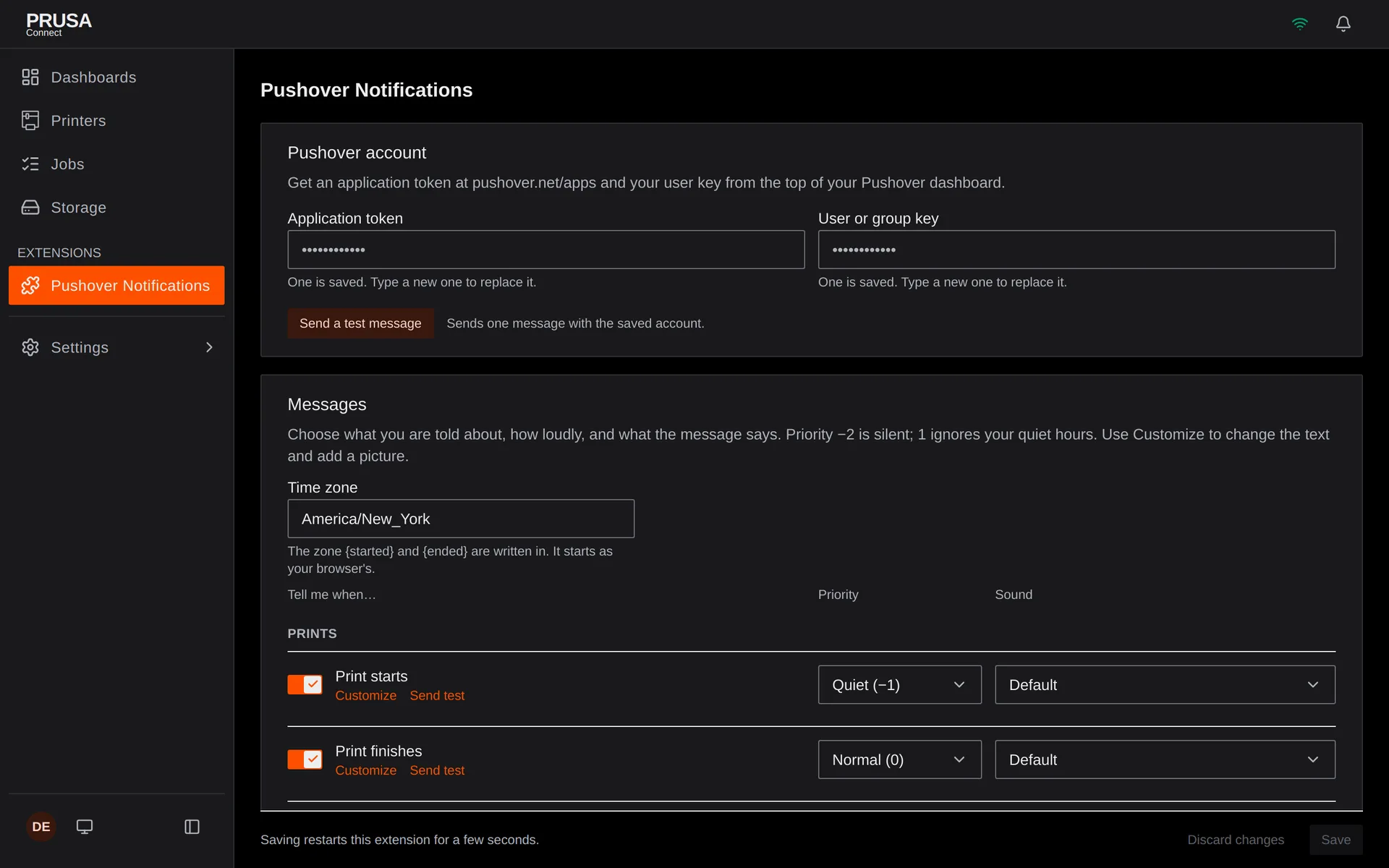
Sends a Pushover notification when a print starts, finishes or fails, or a printer needs you.

This extension is native code that runs on your Connect Local server, with the permissions you grant it at install. It is not sandboxed. Prusa reviewed this release before publishing it; install extensions only from authors you trust.

Connects to
  • api.pushover.netfrom the server

    Sends the notifications to Pushover.

    Sends: The application token and user key, and per message a title, the printer name, the file name, the outcome, the times, and optionally a picture. Nothing else.

  • the server you set in connect_url:80,443,8080,8443from the server

    Asks this Prusa Connect server for the thumbnail of a print file or a camera picture, to attach to a message.

    Sends: Only the API token, in a request for one picture.

What's inside 0.1.0
  • module.yamlThe manifest: what the extension is and what it asks for
  • pushover-notifications_linux_amd64The program for linux amd64
  • pushover-notifications_linux_arm64The program for linux arm64
  • pushover-notifications_darwin_arm64The program for darwin arm64
  • pushover-notifications_windows_amd64.exeThe program for windows amd64
  • ui/The browser bundle the Connect web app loads
  • checksums.txtThe SHA-256 of every file above
  • checksums.txt.sigThe author's signature over checksums.txt

A release may also carry LICENSE, README.md and CHANGELOG.md. Nothing else is accepted.

Versions
0.1.0beta .tar.gz

MIT · core >=0.0.1-alpha.7 · sink · linux_amd64, linux_arm64, darwin_arm64, windows_amd64 · 11410.4 KB · Nov 23, 2026

Changelog

0.1.0 - 2026-11-21

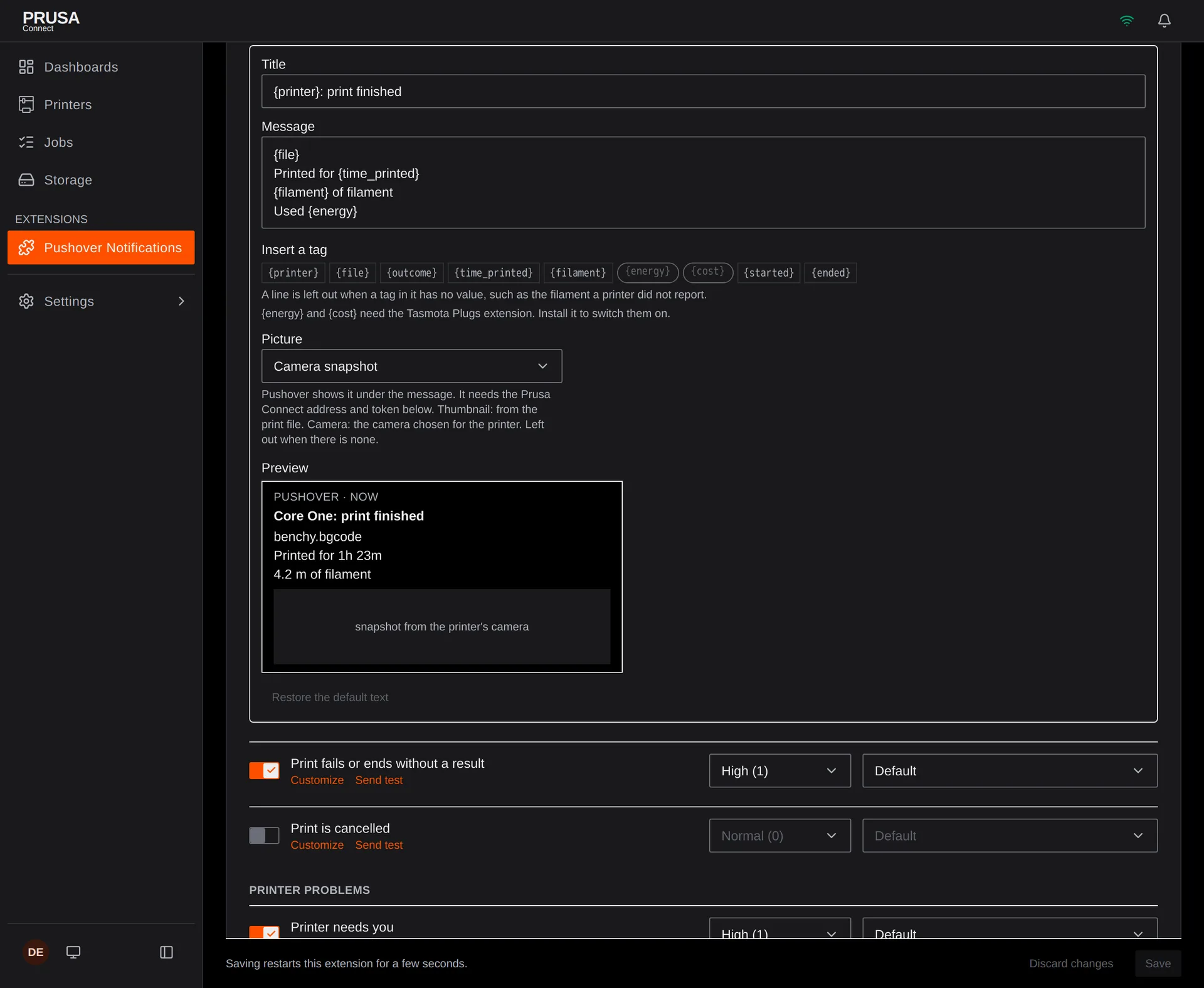
  • Each message type has its own Send test, with sample values and a real camera or thumbnail picture. A picture that fails says why.

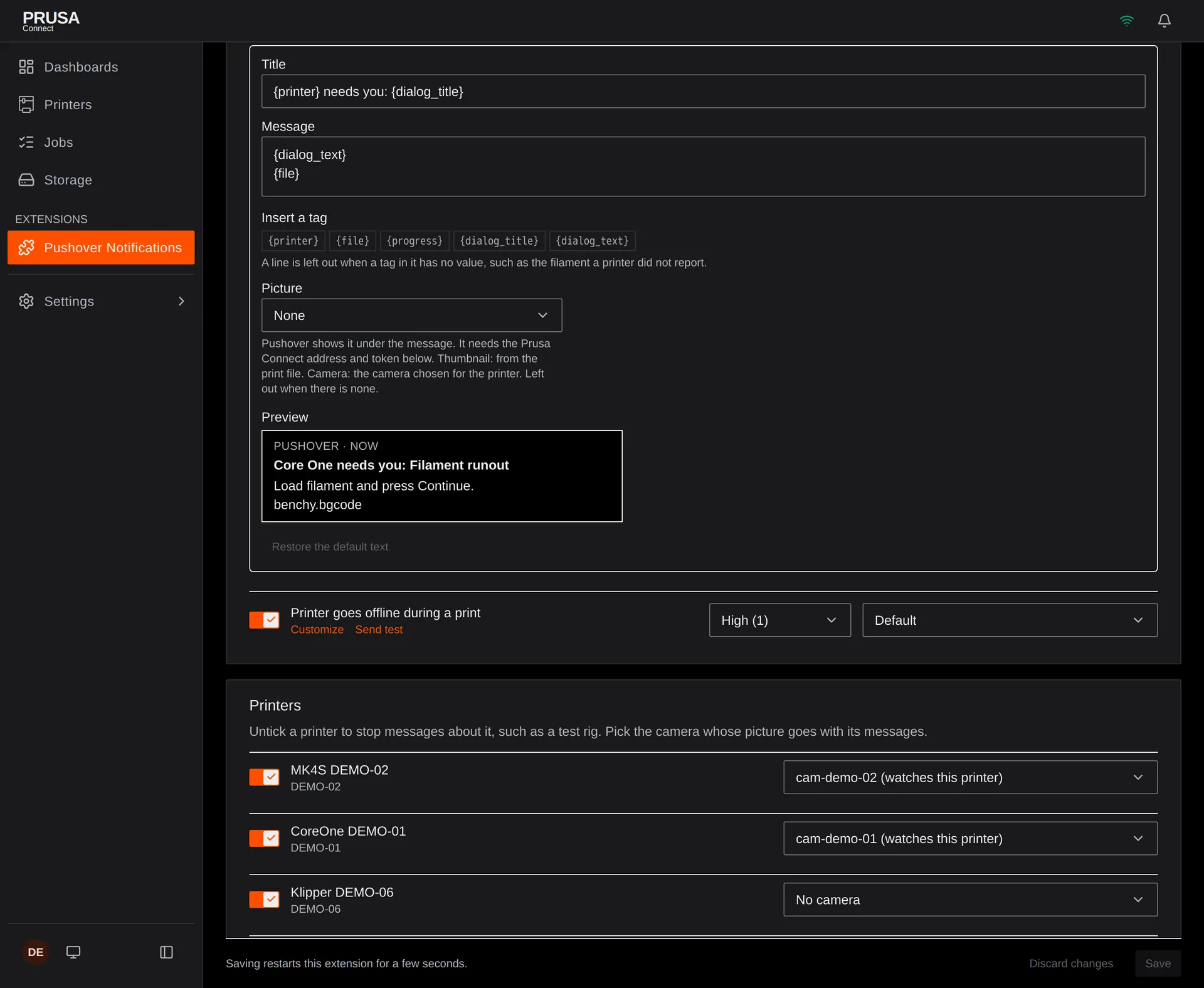
  • Sends a Pushover message for a print that started, finished, failed or was cancelled, and for a printer that shows a dialog and waits, or goes offline during a print.

  • A print that ends without a result is reported as a failure that says so.

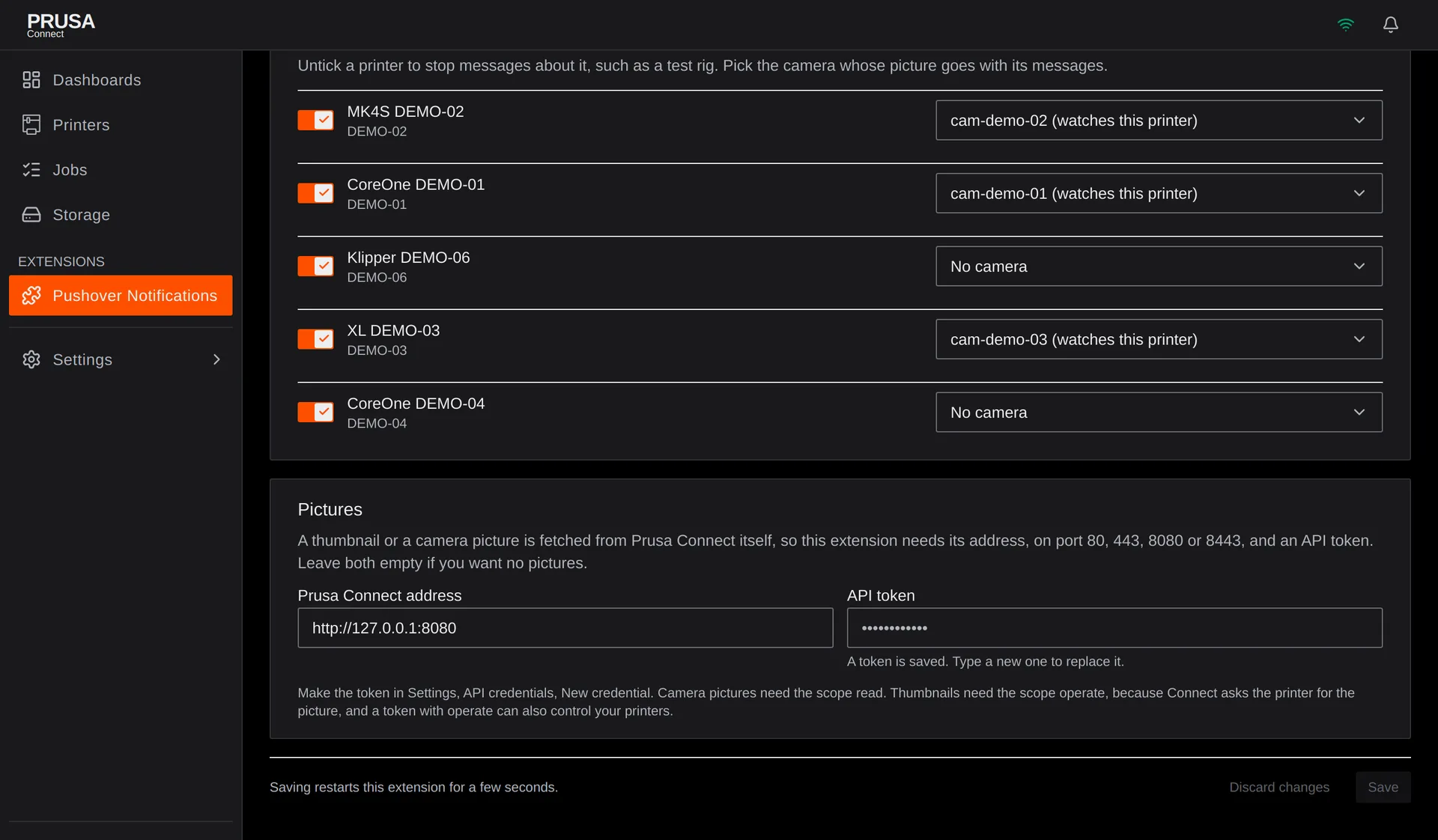
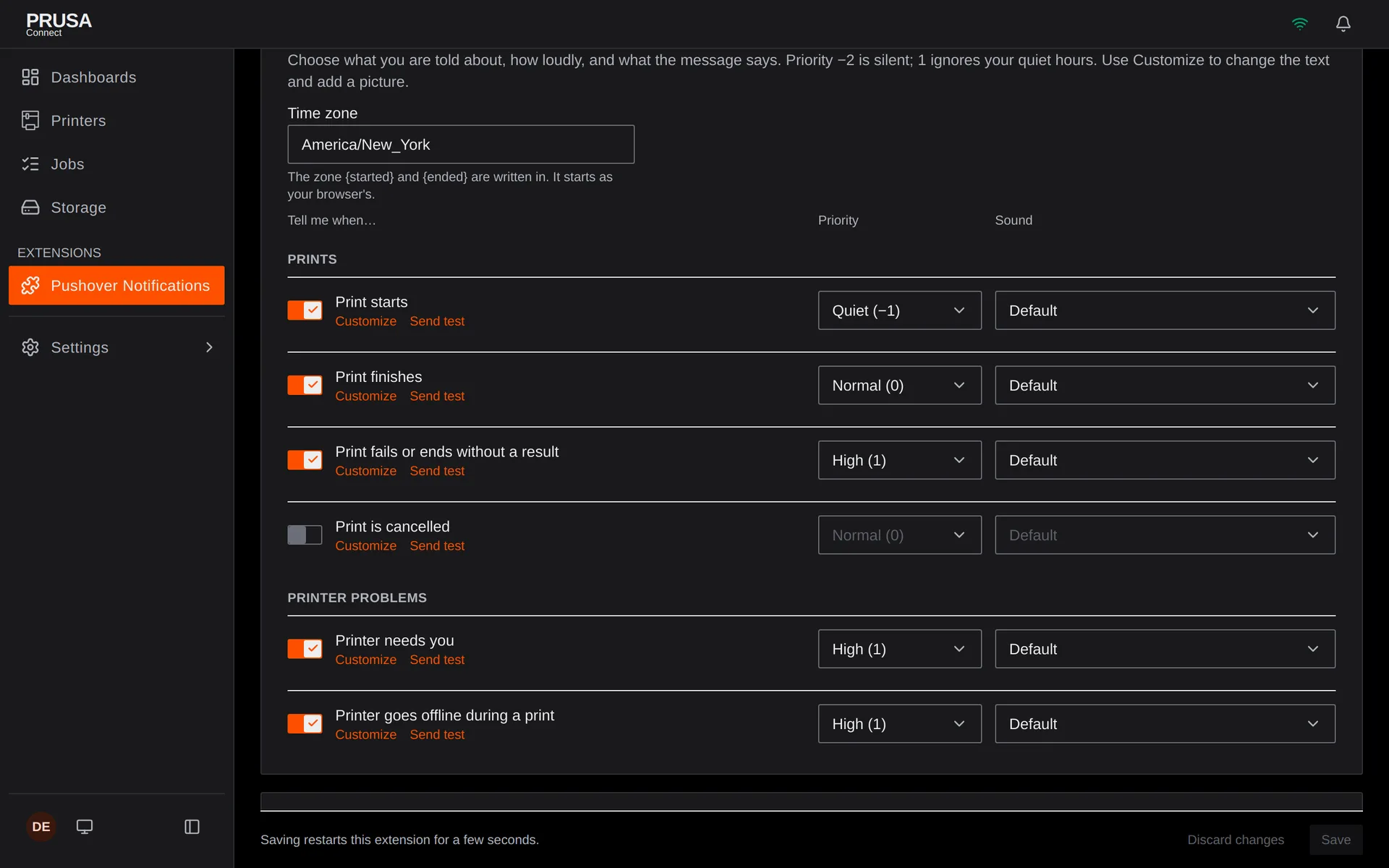
  • A settings page: account, a test message, and for each message type on or off, priority, sound, title and text with tags and a live preview, and a picture. Printers can be muted and given a camera.

  • Pictures from Prusa Connect: the thumbnail inside the print file, or a camera snapshot, using an API token (read for a camera, operate for a thumbnail).

  • With Tasmota Plugs installed, {energy} and {cost} give the power a print used.

  • Messages are sent in order, apart from the event stream, retried on a temporary failure, and never repeated when the stream replays.

  • Slow work (pictures, power readings, a printer's current print) runs apart from the host's event stream, a few pieces at a time, and apart from sending: a send being retried never holds up the power reading for the next print, messages still go out in order, and at most a handful wait with their pictures.

  • A time zone setting for {started} and {ended}; it starts as the browser's.

Comments (0)

Sign in to comment.

No comments yet.